
Identity Governance for Food & Beverage Companies

Seasonal hiring shouldn't break your access controls.
Linx automates onboarding, offboarding, and access reviews across your HRIS and directory, so hires get the right access on day one and nothing gets left behind. Live in weeks, with no professional services.
Green check mark icon
Found 2,400+ accounts that had never been used at a national pizza chain
Green check mark icon
Cut access-review effort by over 60% for a restaurant with 1,000s of locations
Green check mark icon
Replaced a legacy IGA tool in just 29 days for a national beverage manufacturer
Green check mark icon
Found 4,600 unsponsored guest accounts found at a national coffee chain
Green check mark icon
Saved 10-12 hours per week for an IT manager at a well-known beverage brand
See Linx
30 minutes: see seasonal rehires, access reviews, and accounts nobody owns, all handled in Linx.
Simple illustration of an orange flower with yellow stamens and a green stem.

Customer Stories

“We saw more in ten days with Linx than we saw in two and a half years using two legacy incumbent vendors.”

Headshot of YJ Lim
YJ Lim
Director of Cybersecurity, Tropicana Brands Group
cloud
Green hills with a gradient fade to white below against a black background.Green hills with a gradient fade to white below against a black background.

Every identity governed, from corporate staff to seasonal crews

Onboarding that survives seasons and rehires

Linx correlates identities by employee ID across legal entities, so a rehire is recognized as a rehire, not a new joiner.

Black check mark icon
Native UKG and Workday connectors, plus hybrid AD and Entra
Black check mark icon
Access profiles cover onboarding, role changes, and offboarding in one place
Black check mark icon
Pause seasonal workers and restore their access when they return
Proof

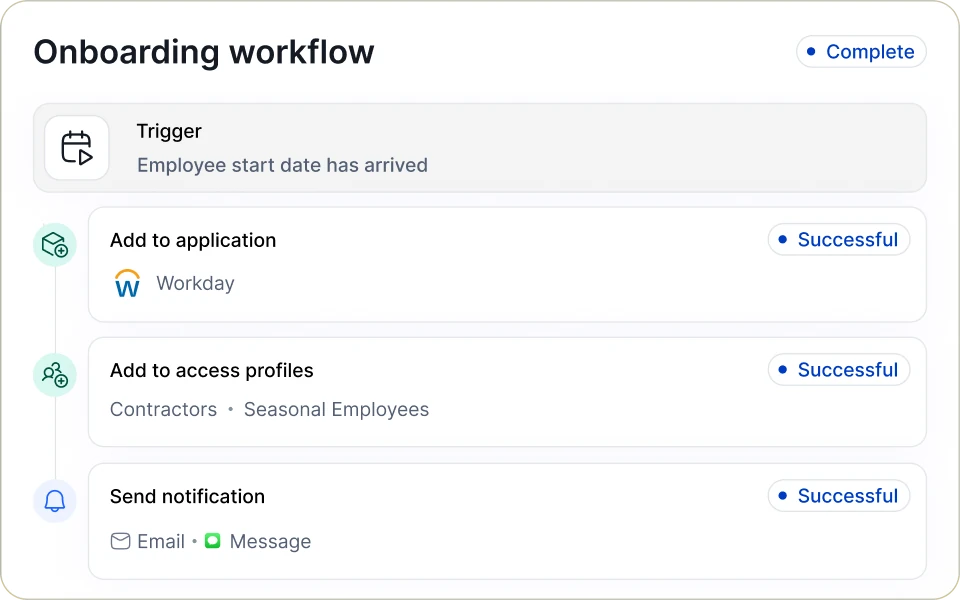
A national beverage brand held a legacy IGA license and still had no working HR-to-AD automation. They rebuilt it on Linx and haven’t looked back.

Linx onboarding workflow marked Complete: a trigger when the employee start date arrives, then Add to application (Workday), Add to access profiles (Contractors, Seasonal Employees) and Send notification (Email, Message), each marked Successful.
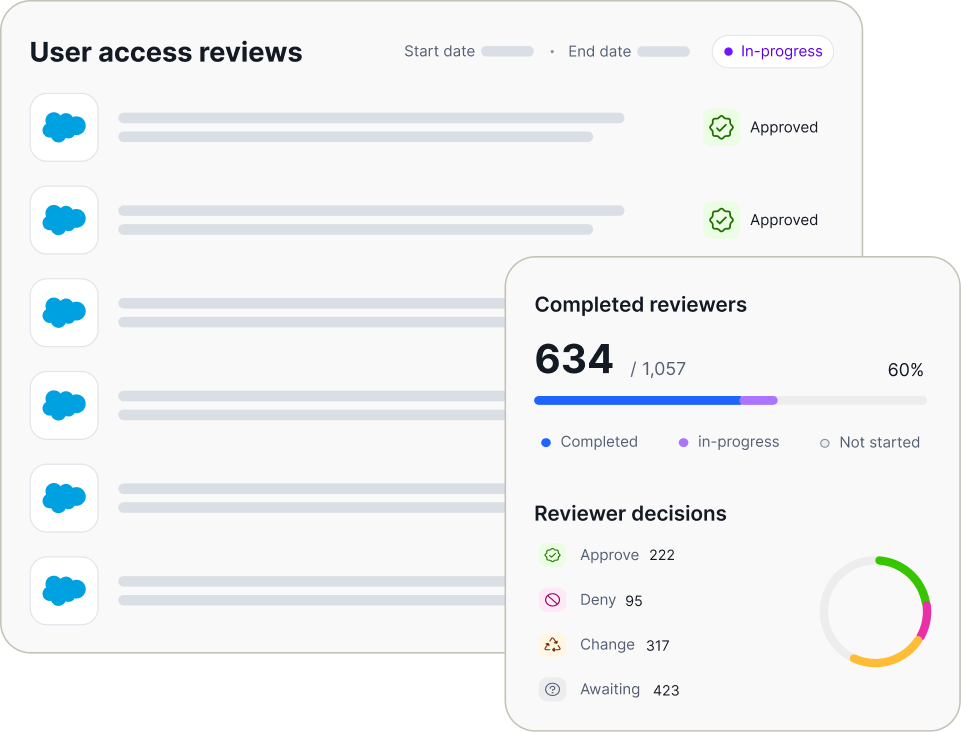
Dashboard displaying user access reviews with several entries marked approved and a sidebar showing 634 out of 1,057 reviewers completed, indicating 60% progress, with reviewer decisions: 222 approve, 95 deny, 317 change, and 423 awaiting, accompanied by a progress bar and a pie chart.

Access reviews a small team can actually finish

Linx AI scores every user and permission against peer access by job title and department, then tells reviewers what to approve, what to revoke, and why.

Black check mark icon
Plain-language descriptions and context for cryptic permissions like FIN_JE_APRV_L3
Black check mark icon
Ready-made campaigns for recent role changes and admin access
Black check mark icon
Timestamped PDF and Excel reports for auditors, insurers, and customer questionnaires
Proof

On a national QSR chain's campaign, AI recommendations handled about 60% of items, leaving reviewers only the ones that needed judgment.

Find the accounts nobody uses and nobody owns

With no configuration, Linx flags dormant and never-used accounts, stale passwords, partially offboarded users, unassigned admin roles, and orphaned app registrations.

Black check mark icon
Find and assign owners to guest accounts and app registrations nobody remembers creating
Black check mark icon
Shut off accounts left behind when seasonal workers leave
Black check mark icon
Fix findings in one click, or let workflows handle it automatically
Proof

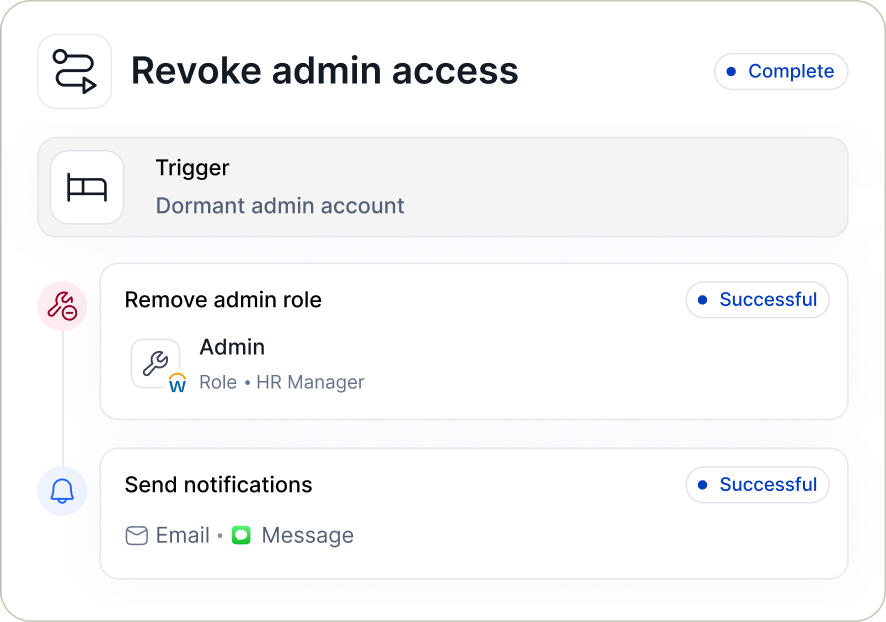
A national pizza chain's first scan surfaced 2,400+ never-used accounts and about 10% of accounts with passwords over a year old.

User interface for revoking admin access showing a completed workflow triggered by a dormant admin account, including successful removal of the admin role for HR Manager and successful sending of notification via email and message.

See what’s sitting in your directory

Live in weeks, without hiring a new identity team

01
Connected nodes icon

Connect

Connect your HR system, Active Directory, and Entra in read-only mode. Nothing changes until you say so.

02
Eye icon

See

See dormant accounts, orphaned groups, and admin access gaps on day one, with no configuration.

03
Circular arrows icon

Automate

Automate onboarding, offboarding, and your first access review once you trust the data.

More for food & beverage IT and security teams

Whitepaper

The Food & Beverage Industry’s Guide to Modern Identity Governance

Download
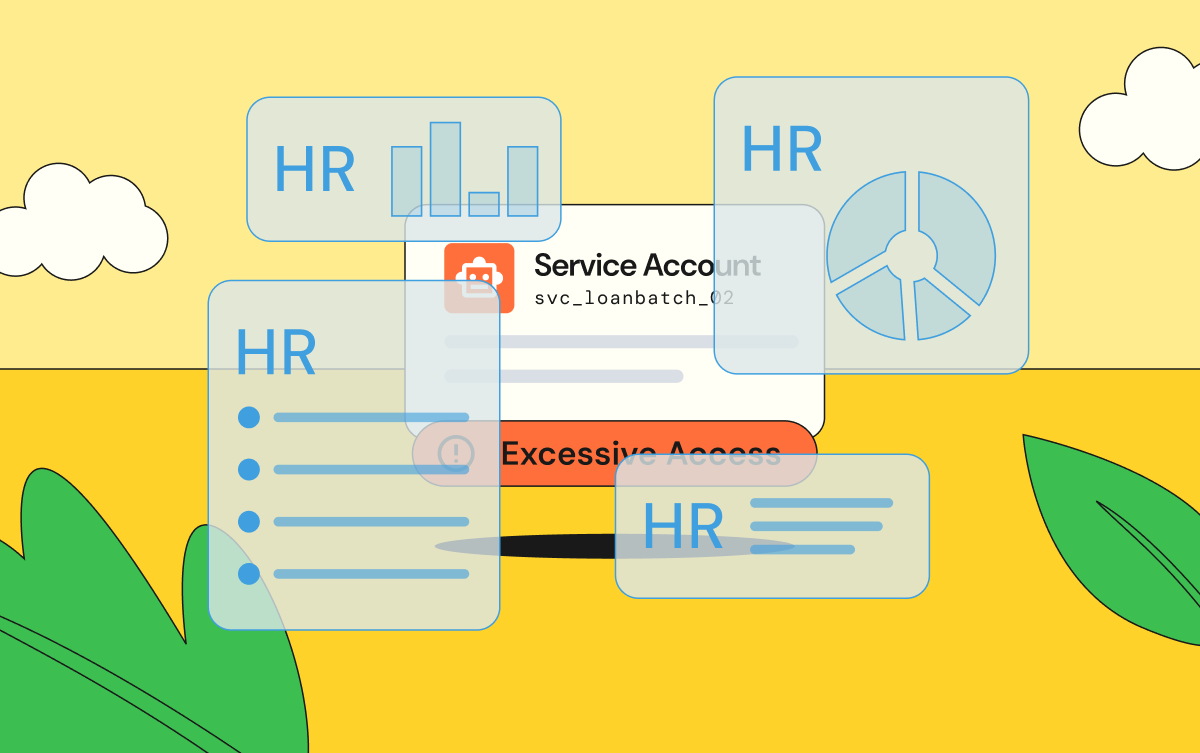
HR dashboards covering up information on a service account
Identity Security

Your Identity Security Strategy Shouldn't Depend on Your HR System

Oct 14, 2026
Robot server wearing a temporary seasonal worker badge, with broken ID cards on the floor
Identity Governance

Why Seasonal Workforces Break Identity Management in Food and Beverage, and What to Do About It

Sep 21, 2026
Identity Security & Governance for Food & Beverage Companies

Solution

Identity Security & Governance for Food & Beverage Companies

FAQs

How does Linx handle seasonal rehires?

Linx handles seasonal rehires by correlating identities on employee ID instead of email or name, so a returning worker is matched to their existing record. Their access is restored through the same access profile, and old credentials are flagged if they were never shut off.

Do we need a dedicated identity team to run Linx?

Linx does not require a dedicated identity team or professional services. In fact, Linx doesn’t sell professional services at all. Linx makes identity governance a breeze for everyone from small, generalist security and IT teams to large, dedicated IAM teams.

Does Linx work with UKG, Workday, Active Directory, and Entra?

Linx connects natively to UKG, Workday, on-prem Active Directory, and Microsoft Entra ID, including hybrid AD and Entra environments.

Is AI-assisted access review just faster rubber-stamping?

AI-assisted access review in Linx is not rubber-stamping, because every recommendation comes with written reasoning and humans make the final call. The AI clears the obvious items so reviewers can spend their time on the ones that matter.

Does Linx help with SOX, customer security questionnaires, or cyber insurance?

Linx supports SOX ITGC access controls and produces timestamped review reports in PDF or Excel. Private companies use the same reports to answer customer security questionnaires and insurer reviews.

Can Linx govern Microsoft Copilot agents?

Linx discovers AI agents as their own identity type, separate from other non-human identities, and assigns each one an owner. The MCP Gateway logs and controls what agents can do with the tools they connect to.

How long does it take to deploy Linx?

Linx typically deploys in weeks, and one national beverage brand replaced its legacy IGA tool and went live in 29 days. This is far faster than legacy IGA tools that can take years and require professional services.

Illustration of leaves with an orange flower and a blue flower growing along a hillside.
Orange and yellow decorative flower illustrationBlue decorative flower illustration

Ready before next season's hiring starts?

See how Linx handles rehires, access reviews, and orphaned accounts in your environment.
Get a demo