






User Access Reviews

Automate access reviews and certifications with AI

Turn a long certification cycle into a breeze. Linx assembles the campaign, routes it with context, and executes every revocation in one click, no tickets, no handoffs.
Get a demo
Dashboard displaying identity and assets inventory totals, open issue trends from June 14 to July 25, open issues by severity and type, human and non-human identity risk breakdowns by severity, and identity distribution by resource with percentages and counts.
White cloud with a small red and black ladybug on top against a transparent background.
Built for and trusted by leading enterprises

FY26 Q2 Okta User Access Review
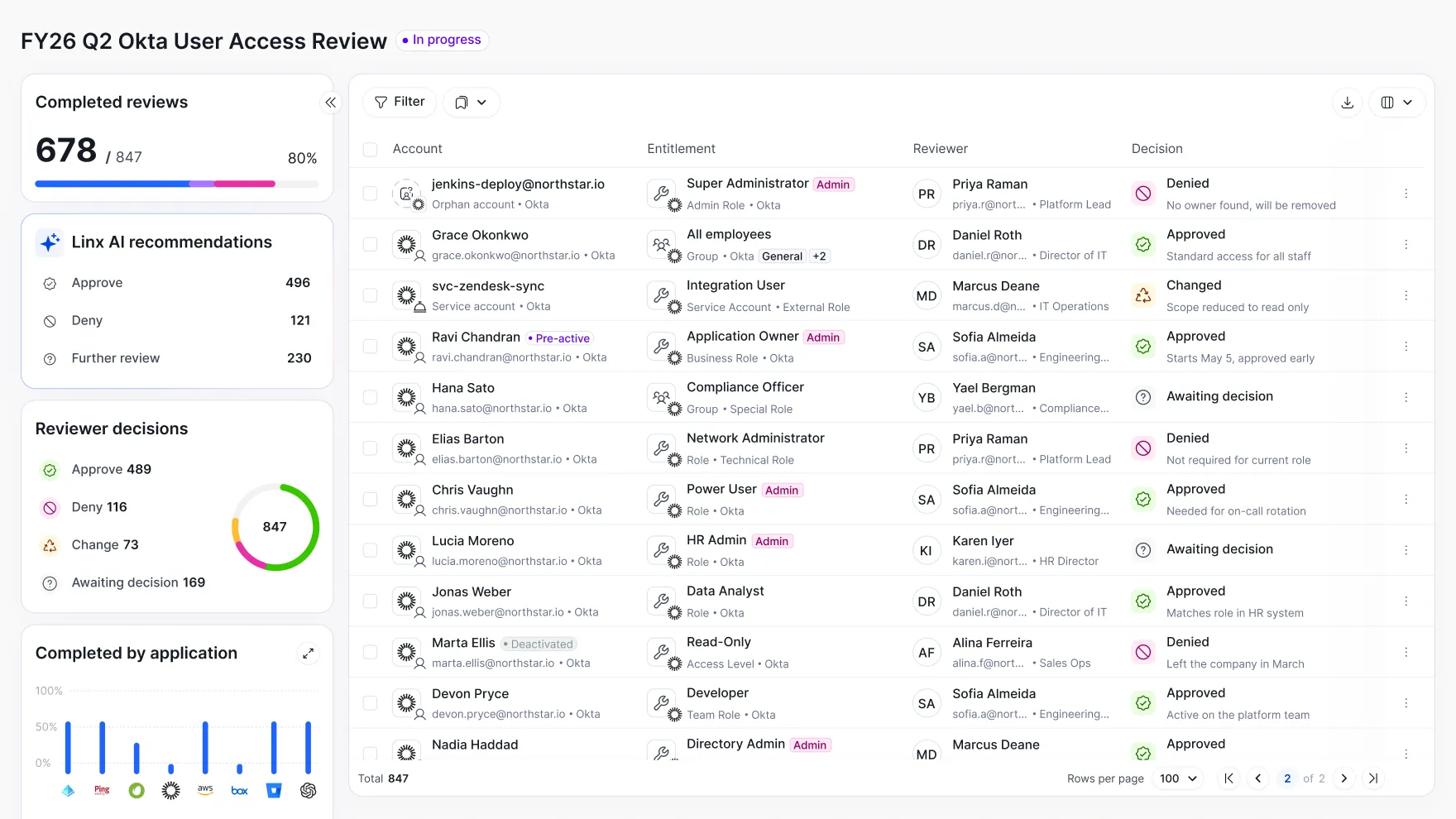
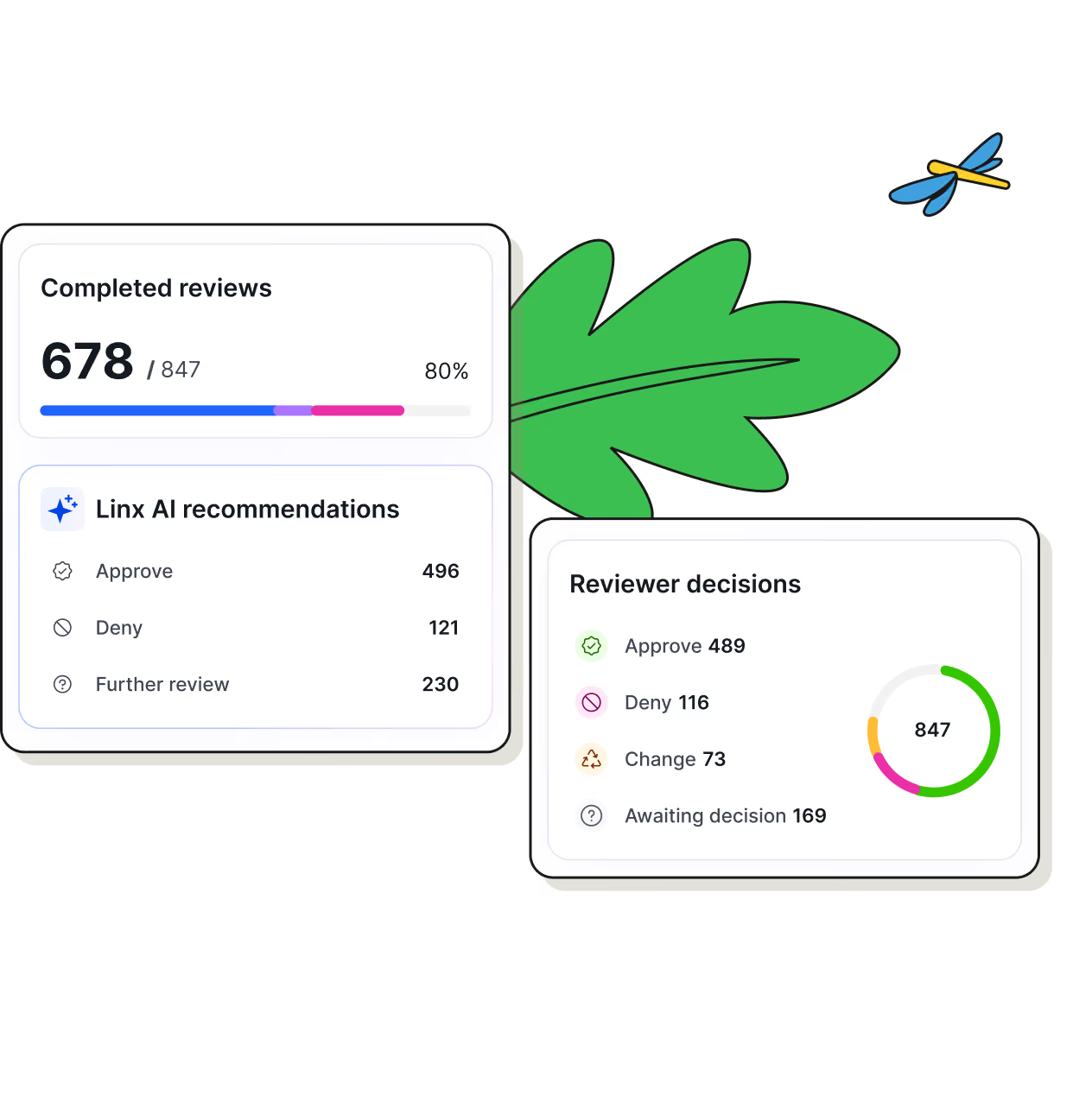
Dashboard showing FY26 Q2 Okta User Access Review in progress with 678 of 847 reviews completed (80%). Linx AI recommendations list 496 approve, 121 deny, 230 further review. Reviewer decisions include 489 approve, 116 deny, 73 change, 169 awaiting decision with a circular chart of 847 total. Completed by application chart displays completion percentage for several applications including Ping, AWS, Box, and others. Table lists accounts with details on entitlement, reviewer, and decision, showing varied user roles like Super Administrator, Application Owner, Compliance Officer, and decisions such as Approved, Denied, Changed, Awaiting decision.

Why manual access reviews fall short

People change roles faster than access ever catches up. Linx keeps every human identity mapped to what they actually do today so access grows and shrinks with the job, automatically.
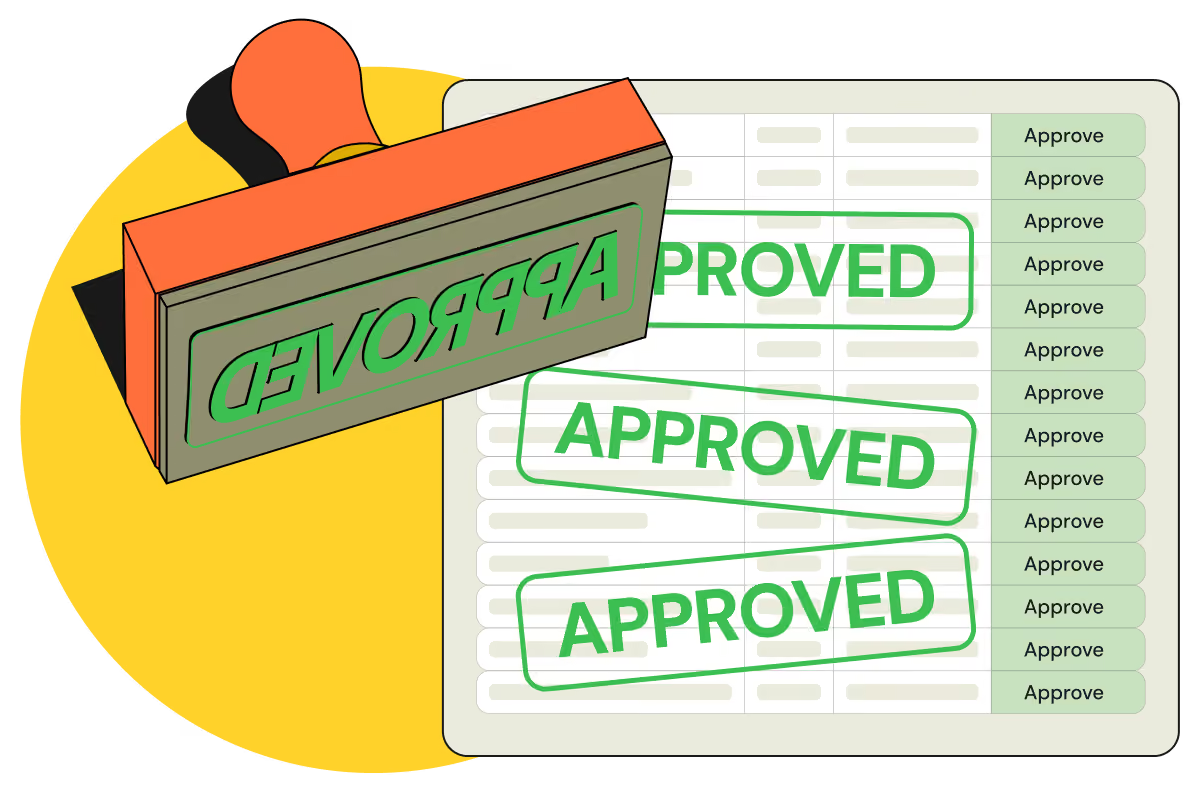
Rubber stamp marking row after row of an access review list as approved, illustrating rubber-stamped manual certifications.

User access review software built for automation
Discover automated campaigns with risk-based prioritization. Linx grounds every review in the Identity Graph and provide AI-based recommendations so certifications become accurate, auditable, and effortless.
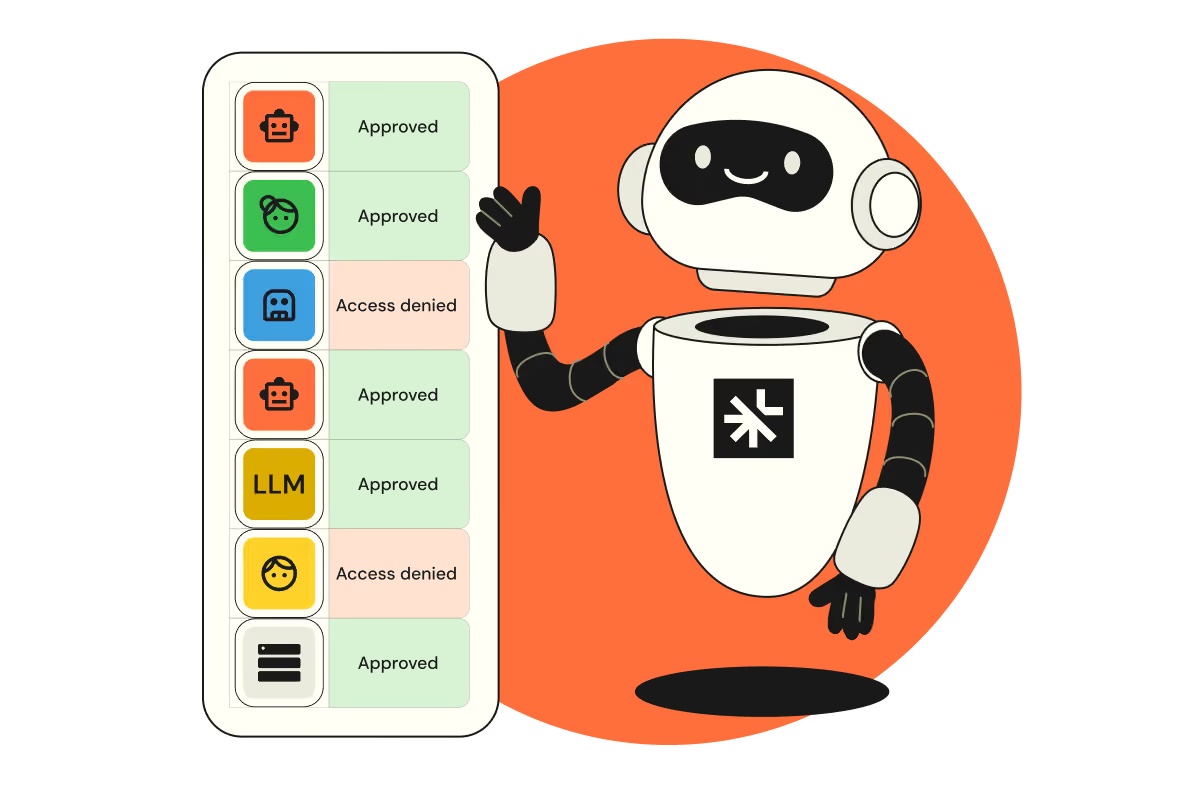
Robot beside a list of access review decisions, each entry marked approved or access denied.

How Linx automates access reviews

Access reviews consume weeks of your team's time and rarely change anything. Discover automated campaigns with risk-based prioritization — Linx grounds every review in the Identity Graph and provides AI-based recommendations so certifications become accurate, auditable, and effortless.

Review at machine speed. Decide with human judgment

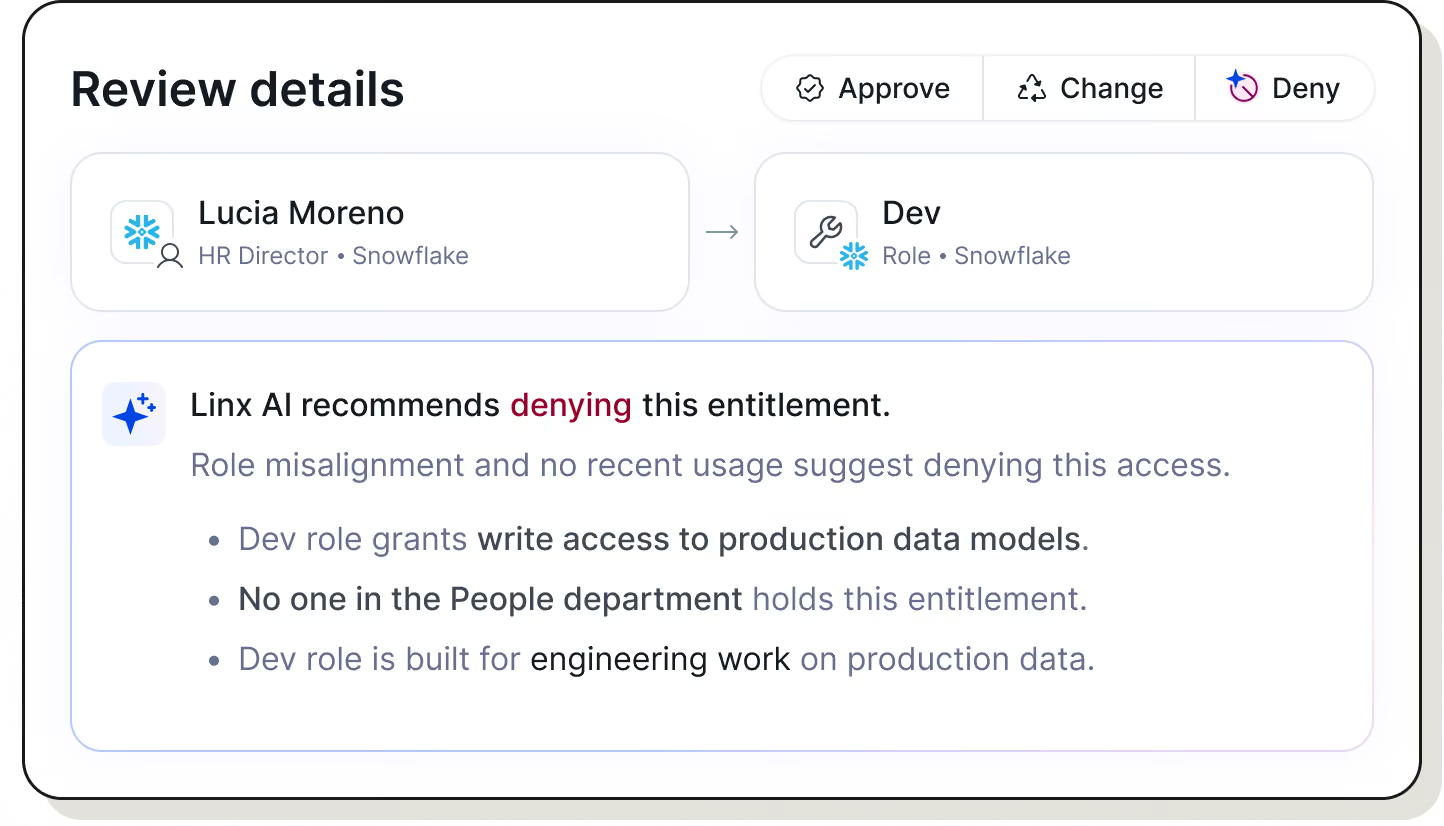
Linx AI pre-screens every entitlement against usage, peer comparison, auto-clearing the routine and surfacing only what genuinely needs a reviewer's attention.
Access graph showing Skipper Johnson's email linked to Okta with Admin role, Entra, Active Directory, and Github with Local tag; Okta connects to 4 groups and Superadmin role, Snowflake assigned to skipper johnson, and Backend team in Github.

Zero-touch scoping and escalation

Campaigns scope, assign, and escalate automatically based on your org structure, whether manager, app owner, or entitlement owner, with fallback coverage so nothing sits unassigned.
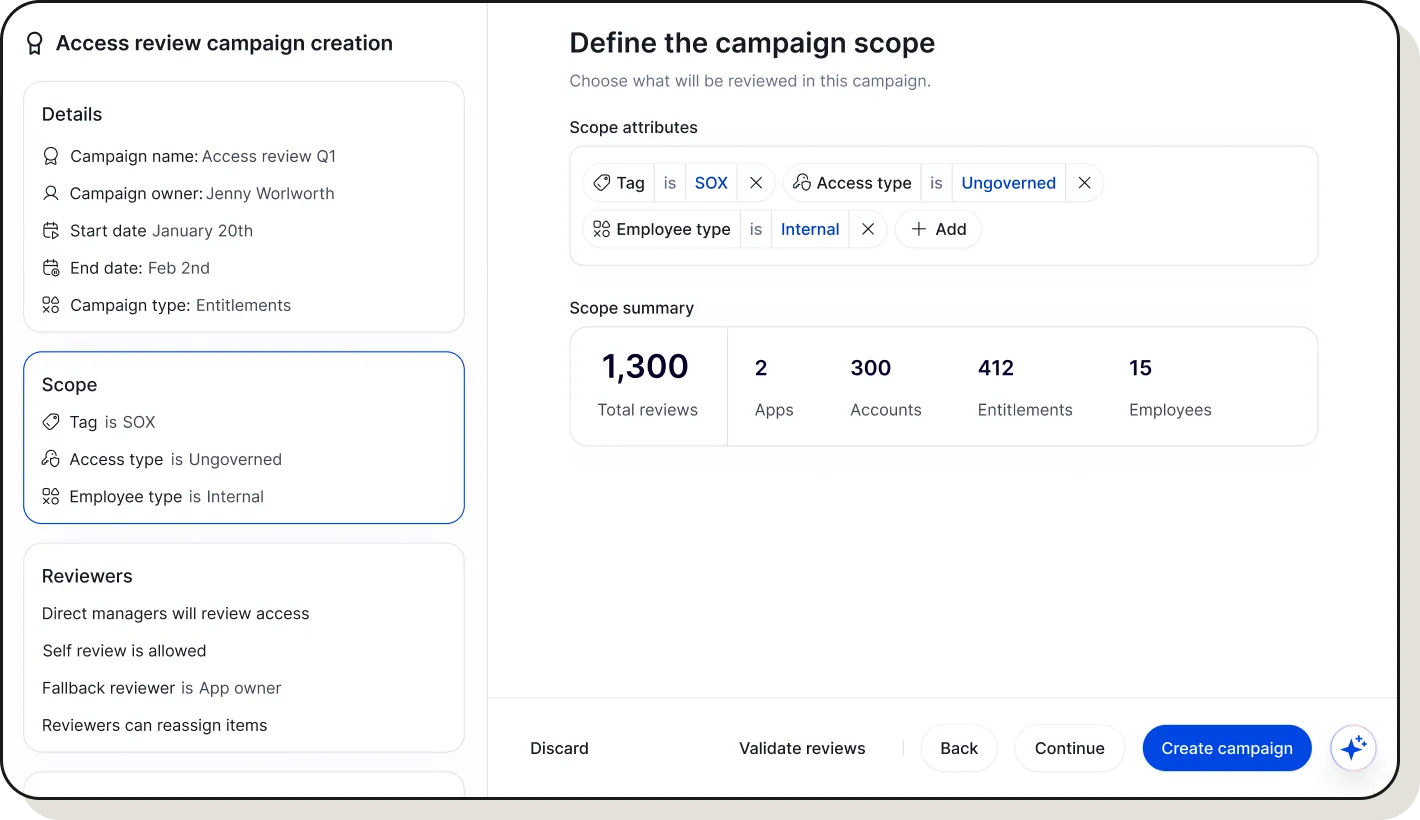
User interface for creating an access review campaign named 'Access review Q1' owned by Jenny Worlowrth, starting January 20th and ending February 2nd, focused on Entitlements. Scope includes Tag SOX, Access type Ungoverned, and Employee type Internal. Reviewers include direct managers, allow self review, with fallback reviewer as App owner, and permission to reassign items. Scope summary shows 1,300 total reviews, 2 apps, 300 accounts, 412 entitlements, and 15 employees. Buttons for Discard, Validate reviews, Back, Continue, and Create campaign are at the bottom.

Closed-loop remediation with evidence

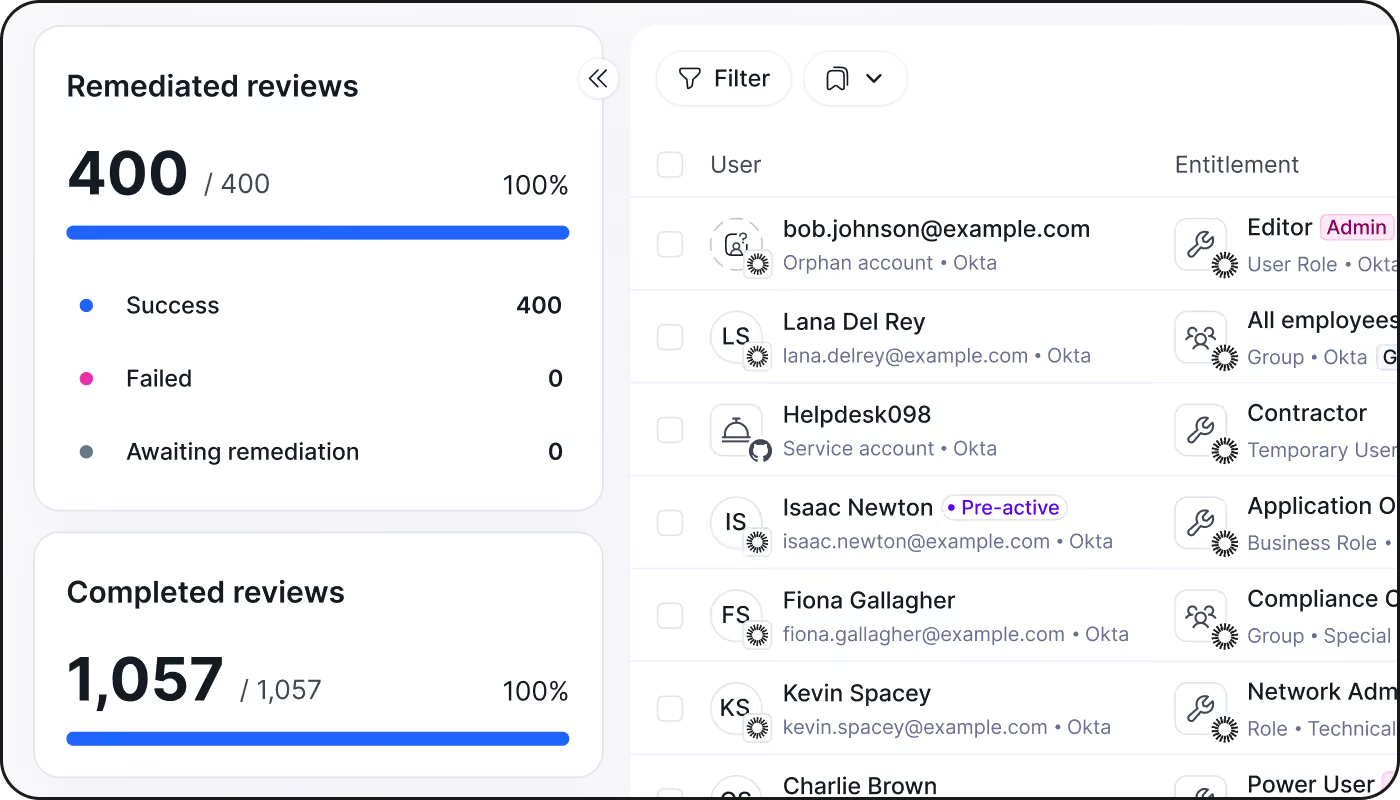
Linx revokes denied access once a campaign closes and compiles the audit trail in the same motion. No manual cleanup, no scrambling before the audit.
Access graph showing Skipper Johnson's email linked to Okta with Admin role, Entra, Active Directory, and Github with Local tag; Okta connects to 4 groups and Superadmin role, Snowflake assigned to skipper johnson, and Backend team in Github.

Why teams run reviews on Linx

Six capabilities that turn certifications from a quarterly scramble into a system your team trusts.

Automated campaigns

Scheduled, recurring, and self-running from launch to close.

Risk-based prioritization

Highest-risk access surfaces first, every cycle.

Reviewer assignment and delegation

Routes to the right owner, easy to hand off.

Evidence collection

Proof captured as decisions happen, not after.

Audit trail and evidence generation

A complete, timestamped record for auditors.

Continuous improvement

Policies refine with what each cycle reveals.

“Since implementing Linx, the data that we provide to auditors is just better. The process has improved. The amount of time to deliver evidence has improved exponentially.“

Dan Loveman, Sr. Director Cyber & Technology at Evolv
Dan Loveman
Sr. Director Cyber & Technology, Evolv
Read case study
cloud
Green hills with a gradient fade to white below against a black background.Green hills with a gradient fade to white below against a black background.

User access review FAQs

What are user access reviews?

User access reviews (UARs), also called access certifications, are a periodic audit of who has access to what within an organization's systems and applications, and whether that access is still appropriate. Reviewers (typically managers, resource owners, or security teams) confirm each user's access is justified, then approve, modify, or revoke it. UARs are a core control for least-privilege enforcement and are typically run quarterly or semi-annually, though risk-based or continuous models are increasingly replacing fixed calendar cycles.

What’s the difference between a user access review and access certification?

The identity lifecycle is the sequence of state changes an identity goes through inside an organization: provisioning at hire, entitlement changes at every role, team, or status change, and deprovisioning at departure. Each stage represents a moment where access should be re-evaluated against current need. In practice, the lifecycle rarely runs in a straight line. People move teams, take on temporary projects, get promoted, go on leave, and return, and each of those transitions is a separate event that access needs to track.

What does a review of user access rights typically include?

Access is usually correct at the moment it's granted. It's the transitions afterward, such as role changes, team moves, project endings, and terminations, that create misalignment. Because entitlements don't automatically shrink or shift when a person's status does. A role change adds new access far more reliably than it removes old access, while termination revokes access in the systems someone remembers to check and leaves it standing everywhere else. Risk isn't a constant background level; it spikes at these transition points and then quietly persists until something forces a review.

How do user access reviews support SOX compliance?

Access drift is the gap between what someone is entitled to and what their current role actually requires. It builds up incrementally: a person picks up access for a project, changes teams, gets promoted, covers for a colleague, and the old entitlements are rarely cleaned up along the way. Over time, most identities in an organization accumulate more access than their job function justifies, which is exactly the standing-access exposure that shows up in breach investigations and failed audits.

When do access reviews get triggered?

Access reviews run on two tracks: scheduled campaigns (typically quarterly) that sweep all in-scope systems, and event-driven reviews tied to joiner/mover/leaver events — verifying appropriate access at hire, cleaning up leftover entitlements after a role change, and revoking access immediately at offboarding. Relying on scheduled reviews alone leaves gaps between cycles where inappropriate access can sit unnoticed. Organizations using just-in-time access reduce this burden further, since access is granted only when needed and expires automatically, preventing standing privileges from accumulating in the first place and shrinking what reviewers have to check each cycle.

Illustration of leaves with an orange flower and a blue flower growing along a hillside.
Orange and yellow decorative flower illustrationBlue decorative flower illustration

Streamline your next user access review

Discover automated campaigns, risk-based prioritization, and one-click remediation.
Get a demo